

Please note, this post may contain affiliate links. Visit Devine Fairytale’s Disclosure Policy for more details.
Heading to Disney for your vacation this year? Before you book, it’s worth deciding whether Disney Memory Maker belongs on your list. It’s the photo package that lets you download every professional shot from your trip, and it comes with a real price tag. So the question everyone asks is a fair one. Is Disney Memory Maker worth the cost, or can you get by just fine with your phone? Here’s the honest breakdown so you can decide with confidence.
What Disney Memory Maker Includes
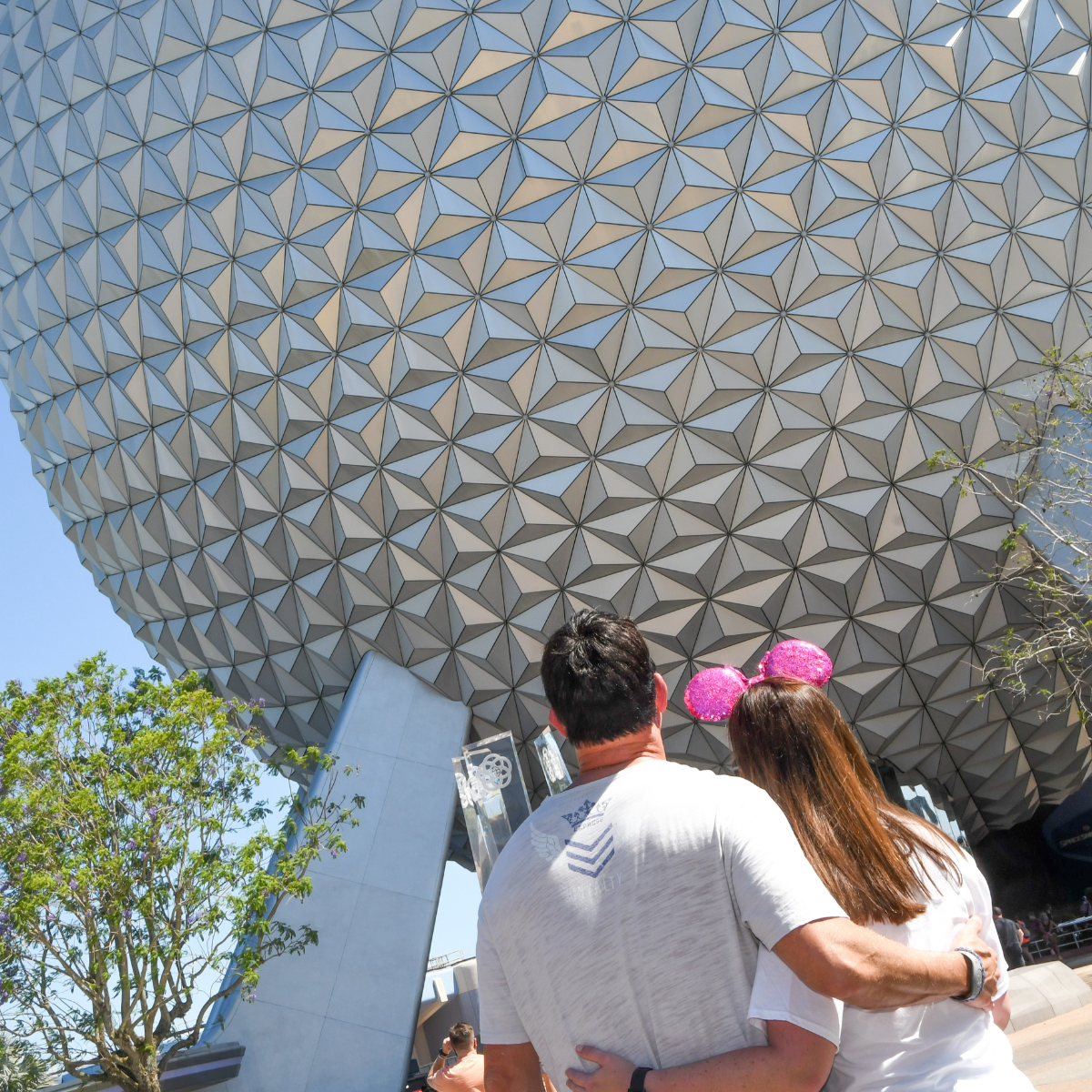
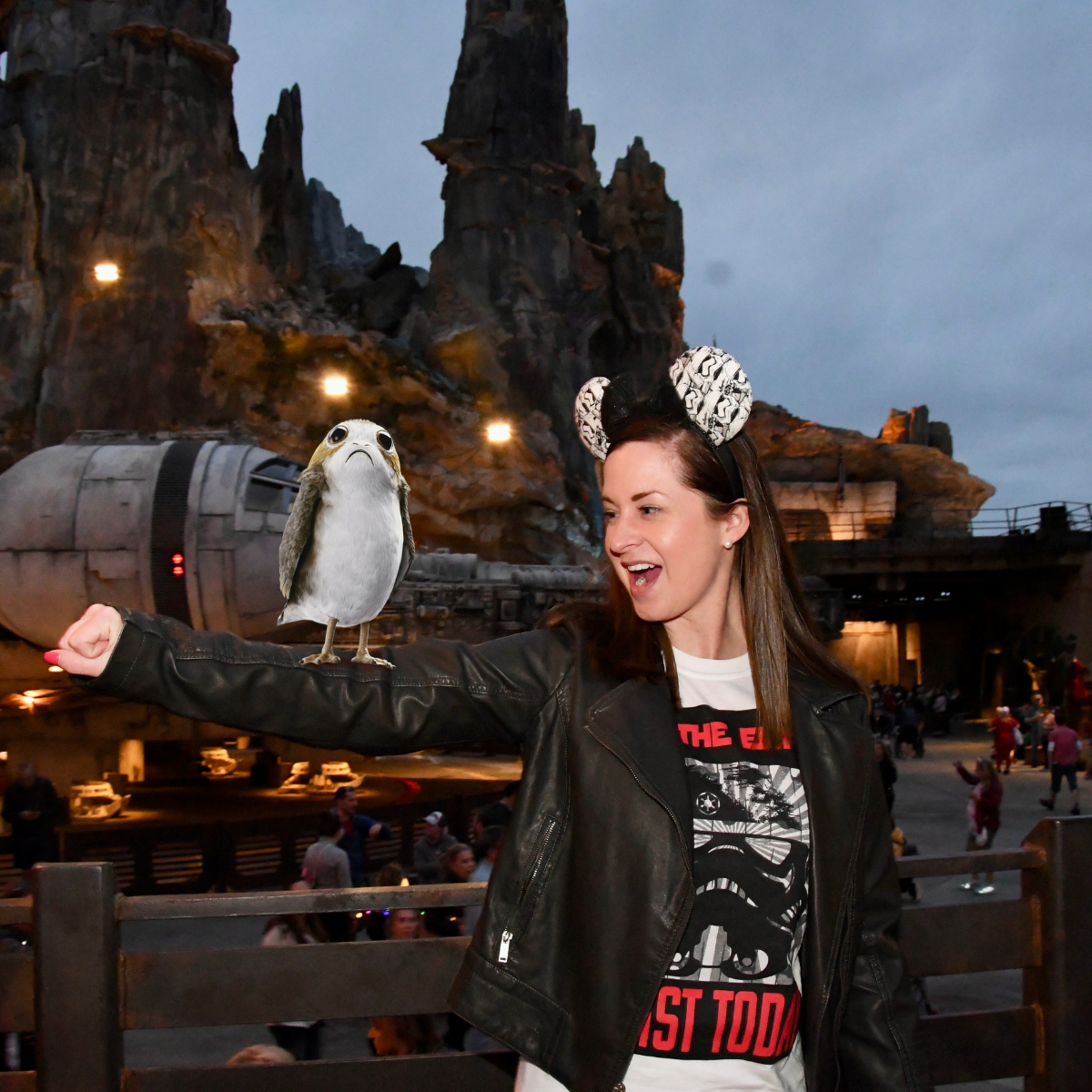
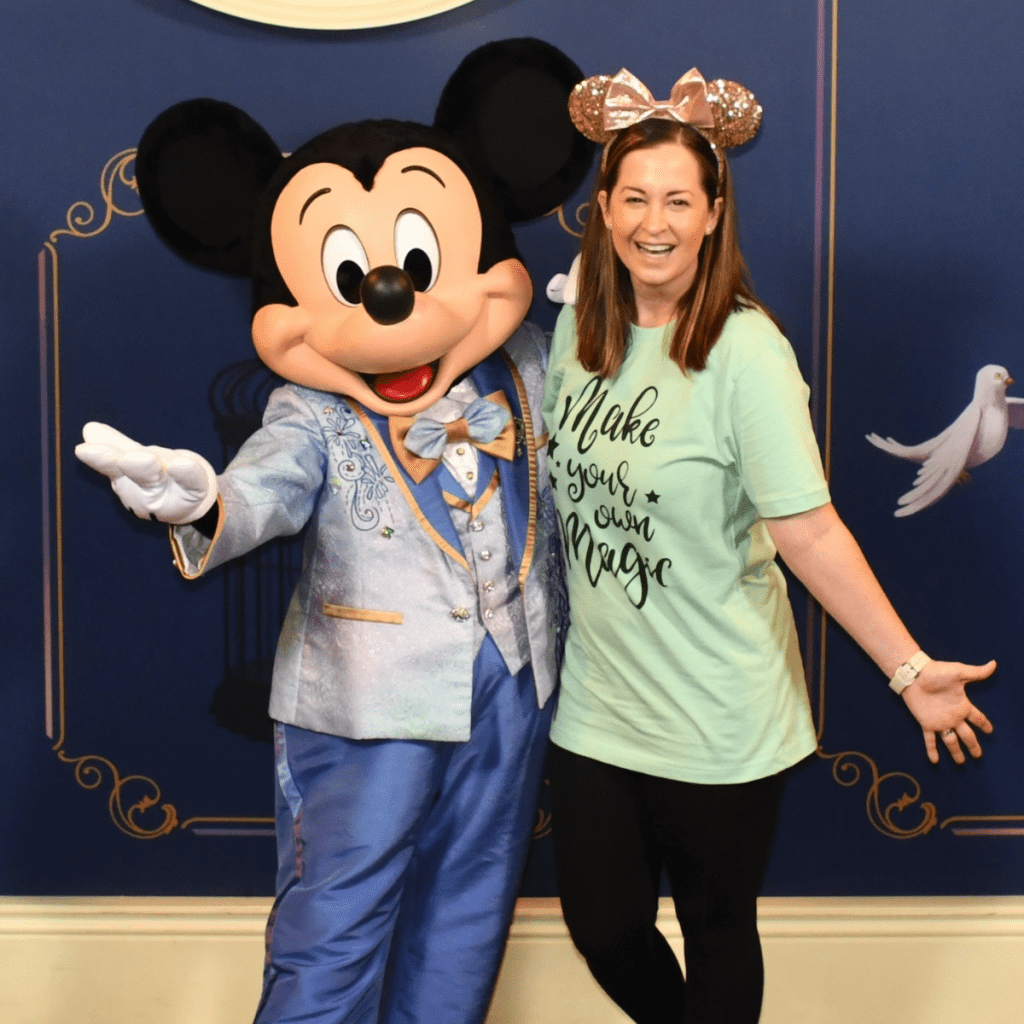
Disney Memory Maker is a digital photo package that lets you download all of your Disney PhotoPass photos and videos, taken by professional photographers stationed throughout the parks. It covers a lot more than posed shots in front of the castle. You get character meet-and-greet photos, iconic park backdrops, on-ride photos, special effects Magic Shots, and even short videos at select locations.
The part that trips people up is the difference between PhotoPass and Memory Maker, so let me make it simple. PhotoPass is the free service, meaning the photographers around the park will always take your picture at no cost, and you can preview those photos in your account. Memory Maker is the paid package that actually lets you download all of them without paying per photo. One is the service, the other is the download pass.
Memory Maker is also a lifesaver for anyone who is tired of being the one behind the camera. There’s no handing your phone to a stranger and hoping for the best. You get to be in the moment with your people while Disney’s photographers do the work, and you still walk away with the shots.
How Much Disney Memory Maker Costs
Disney Memory Maker currently runs $185 when you buy it in advance and $210 if you purchase it during or after your trip. To lock in the lower advance price, you need to buy it at least three days before your arrival.
There’s also a one-day option at $75 if you only want photos from a single park day, though that one can’t be bundled into a vacation package.
Only one person in your travel party needs to purchase it, as long as everyone is linked together in the My Disney Experience app. Memory Maker covers up to 25 people in your Family and Friends group, which is what makes it such a strong deal for bigger trips where a few of you are sharing one download.
One more option worth knowing if you visit often. Annual Passholders can add PhotoPass downloads to their pass for $99 per year instead of buying Memory Maker per trip, which can pay off quickly if you go more than once a year.
Doing the Break-Even Math on Disney Memory Maker
This is the part most people skip, and it’s the part that makes the decision obvious. If you don’t buy Memory Maker, individual photo downloads cost about $16.95 each. That means Memory Maker pays for itself at roughly 11 photos when you buy in advance. Once you hit that eleventh download, everything after it is free.
Now think about how fast photos add up at Disney. A single character meet usually gives you three to five shots. A few character stops, a couple of ride photos, one good castle backdrop, and you’re already past the break-even point before lunch on day one. Most families on a three or four day trip walk away with anywhere from twenty to fifty PhotoPass photos, and paying per photo for that many would cost far more than the package.
Where the math stops working is on the small side. If you’re a couple doing a single day and you know you’ll stop for maybe three or four photos total, buying those individually is the smarter play. The break-even point is the whole decision, so be honest with yourself about how many photos you’ll actually want.
Ready to keep your trip to Disney stress-free and organized? These free Theme Park Planning Pages are perfect for mapping out your days, keeping track of reservations, and making sure you don’t miss a single magical moment. Download them now!
How Lightning Lane Changes the Value
Ride photos are now included when you use Lightning Lane Multi Pass, so if you’re already paying for that on your park days, some of your on-ride shots may come through without Memory Maker at all.
That doesn’t cover your character meets, your Magic Shots, or your castle photos, but it does mean the “I mostly want ride photos” crowd should factor this in before adding Memory Maker on top. For a photo-heavy trip it still makes sense, but it’s worth knowing what you’re already getting.

How to Use Disney Memory Maker
Using Memory Maker is genuinely easy once you know the flow. You purchase it with your vacation package, online in advance, or at Guest Relations inside the parks, then link it to your My Disney Experience account so everything connects automatically. From there, every photo taken and scanned with your MagicBand or linked park ticket lands right in your account.
When you’re in the parks, the rest takes care of itself. Whenever you pass a Disney PhotoPass photographer, have them scan your MagicBand or ticket, strike a pose, and they’ll capture the moment.
On-ride photos and Magic Shots link automatically too. Afterward, your photos upload to your account, and you download them to your own device whenever you’re ready to share them or turn them into keepsakes.
After your photos are captured, they’ll be uploaded to your My Disney Experience account. You can then download them to your device at your convenience, allowing you to share them with friends and family, or create cherished keepsakes. It’s important to note that photos will expire 45 days from the date they are taken.
Planning a Disney vacation can feel like a full-time job—trust me, I get it! As your travel agent, I’ll take care of the details, so you can focus on the fun stuff (like deciding which snack to try first). Let’s plan that vacation you’ve been dreaming of!
Which Disney Rides Have PhotoPass Photos
Not every attraction has an on-ride camera, so it helps to know where to smile big.
At Magic Kingdom, you’ll find PhotoPass on TRON Lightcycle Run, Space Mountain, Seven Dwarfs Mine Train, Tiana’s Bayou Adventure, Buzz Lightyear’s Space Ranger Spin, Pirates of the Caribbean, and Haunted Mansion.
Over at EPCOT, keep your eyes open on Test Track, Frozen Ever After, and Guardians of the Galaxy: Cosmic Rewind.
Hollywood Studios has The Twilight Zone Tower of Terror, Slinky Dog Dash, and Rock ‘n’ Roller Coaster Starring the Muppets.
Animal Kingdom rounds it out with Expedition Everest.
One thing worth knowing if you’re counting on ride photos to come through automatically. TRON Lightcycle Run and Guardians of the Galaxy Cosmic Rewind both use Lightning Lane Single Pass rather than Multi Pass, so their on-ride photos are not part of the photos included with Multi Pass. If you want those two, Memory Maker is the way to make sure they land in your account.
These are the moments people forget to plan for, so make a mental note before you board. A big smile at the right second turns a blurry ride blur into a photo you’ll actually want to keep.
Is Disney Memory Maker Worth It for Your Trip?
Whether Disney Memory Maker is worth it really comes down to how you travel and how much you value photos. If you’re the family that stops for every character, rides everything twice, and loves documenting the whole trip, Memory Maker is almost always worth it. The break-even math works in your favor, everyone gets to be in the pictures, and you’re not making a tiny financial decision every single time a photographer offers to snap a shot.
If you rarely stop for photos, keep moving past character meets, or you’ve already got the classic castle shots from past trips, it’s an easy skip. In that case, take the photos you want on your phone and pay for the occasional standout individually. There’s no wrong answer here, just the one that matches how you actually spend your park days.
For anyone who wants something more polished than the standard photo-spot stops, it’s also worth looking at Disney’s Capture Your Moment sessions, which give you dedicated time with a photographer. The session itself is a separate fee, but the photos from it are included in your Memory Maker downloads, so the two work nicely together.

Tips to Get the Most Out of Disney Memory Maker
If you’ve decided Memory Maker is right for your trip, a few habits will help you squeeze real value out of it.
Download the My Disney Experience app before you leave home so you can view photos, check wait times, and manage everything in one place.
Once you’re in the parks, lean into it. Ask photographers about Magic Shots, since those special effects are half the fun and they won’t always offer unless you ask.
Stop at PhotoPass Studios for backdrop portraits if you want something more formal, and don’t rush past character meets, since those tend to be the photos you treasure most later.
Make sure to download everything before your window closes. Your photos won’t live in your account forever, so pulling them to your own devices early means you never lose a shot you loved.
My favorite bonus spot is the Disney Visa Card Member photo location at EPCOT, which gives cardholders a special character photo op that’s easy to miss if you don’t know to look for it.
Even if you purchase Memory Maker, you still will likely be taking your own photos using your smartphone to capture other memories throughout the parks. Check out this post with tips for taking the best Disney photos with your smartphone.

Making the Call on Disney Memory Maker
At the end of the day, whether Disney Memory Maker is worth the cost comes down to how much you love reliving your trip through photos. If capturing every hug, every character meet, and every ride moment matters to you, Memory Maker turns a pile of individual purchases into one flat price and lets you actually be present while someone else handles the camera. Run the break-even math against your real photo habits, factor in your group size and how many days you’ll be in the parks, and the right answer usually becomes clear. Strike a pose, smile big, and let Disney do the rest.

