

Please note, this post may contain affiliate links. Visit Devine Fairytale’s Disclosure Policy for more details.
If you’re planning a trip to the most magical place on Earth, chances are you probably need a little bit of help organizing all of your Walt Disney World vacation details. Thankfully Disney has thought of this and created an amazing resource that you can have right at your fingertips. Here is everything you need to know about the My Disney Experience App and how to use it on your vacation.

What is the My Disney Experience app?
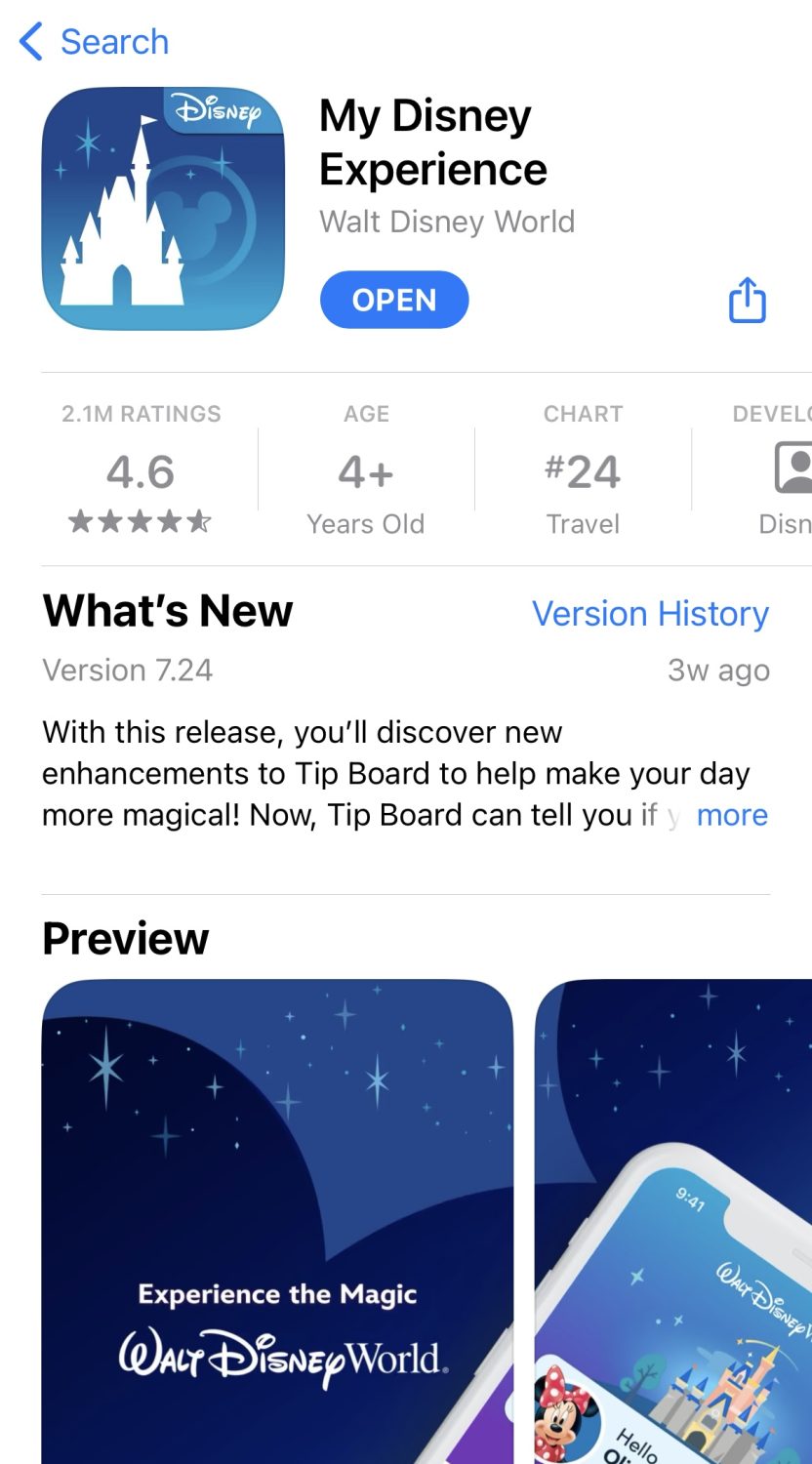
The My Disney Experience app is your one-stop shop for all things related to Walt Disney World. In the app, you can view wait times for rides, book dining reservations, mobile order food, make Lightning Lane selections, and so much more.
Using the app, you will be able to view your plans and itinerary which is great for keeping track of what you have scheduled for each day.
The app also has a handy GPS feature that will help you navigate the parks. You can search for specific attractions, restaurants, and characters and it will tell you where they are located and how to get there. This is a lifesaver when you’re trying to find your way around a crowded park, especially if it is your first visit. You will also be able to see the current wait times for rides and showtimes for entertainment.
The app also has a feature that is perfect for keeping your travel companions in the loop. You can share plans, make Lightning Lane selections, and even find and order meals right from the app.
How to Use My Disney Experience App
So how do you get started? First, you’ll need to create a Disney account. You can do this by going to the My Disney Experience website or through the app itself. If you have Disney+, your same login information should work for the app. The My Disney Experience app is a free download for iOS or Android users.
Once you have an account, you can start linking your tickets, hotel reservations, and dining reservations if it’s within your booking window.
If you’re staying at a Disney World Resort hotel, you can even use the app to check in online for your stay and add a credit card to your hotel. You’ll be able to make limited choices for room requests and make your MagicBands selection to have shipped right to your home before your trip.
Once you’re all checked in, you’ll get notifications on arrival day with your room status. When your room is ready, you can head straight there and use the app to unlock the door.

What is a MagicBand?
A MagicBand is a waterproof wristband that uses radio frequency technology to work as your park ticket, Lightning Lane entry, hotel room key, and credit card all in one. While it’s not required for Disney trips, it certainly makes your vacation easier.
My Disney Experience can also handle all of these same tasks without the MagicBand, but if you have one it will just make things that much more convenient. Once everything is set up through the app, your MagicBand will be ready to go!
To get started with a MagicBand, you’ll need to link it to your Disney account. You can do this by going into the “My Profile” section of the app and selecting “Add or Link a Band.”
There is also the newer Magic Band Plus that interacts with some features throughout the parks.
How to Link My Disney Experience Accounts
There are a few ways to link My Disney Experience accounts with friends and family you are traveling to Disney with.
Using the My Disney Experience Website
Go to the My Disney Experience website and sign in to your account. Click on the “My Family & Friends” tab and click the “+” button and select “Add a Guest.” Enter the email address of the person that you want to link your account with. Send an invitation and that person will receive an email with a link to confirm. After that, your accounts will be linked.
Using the My Disney Experience App
Open the My Disney Experience app and sign in to your account. Tap the three lines in the bottom right corner of the screen. Scroll down and select “My Profile” and then tap on the “Family & Friends List” tab at the top. Tap on the “+” button and select “Add a Guest.” Enter the email address of the person you want to link your account with and send the invitation. The person you invited will receive an email with a link to confirm your connection.

Using the QR Code
Go to the My Disney Experience app and sign in to your account. Tap the three lines in the bottom right corner of the screen. Scroll down and select “My Profile” and then tap on the “Family & Friends List” tab at the top. Tap on the “+” button and select “Add a Guest.” Choose the “Scan Their Linking Code” option. Once you scan their QR code, you will be linked.
To view your unique QR code, from the home screen of the My Disney Experience app, tap the three lines in the bottom right corner of the screen. Scroll down and select “My Profile.” Select “Show My Linking Code” to view your unique QR code to use to link with friends and family. The code is good for 30 minutes before expiring.
What Information Can Your Friends & Family See
Once an invitation to connect is accepted, you and your friend or family member will be able to add activities for each other and share each other’s plans. They will also be able to see your name, your selected character image, your Disney PhotoPass photos, your itinerary items, and your age (or 18+). They will also be able to see the same of your family and friends unless you decide to keep your list private.
My Disney Experience Tips
If you’re using the app, be sure to have it downloaded on your phone before you go into the parks. That way you can use all of the handy GPS features to help you navigate your day.
One of the most useful features of the app is the ability to see the current Disney wait times for rides and attractions. This can help you plan your day and make sure you hit all of the rides you want to without spending too much time waiting in line. If you set up your tip board using the free Genie service, you’ll also get alerts when wait times are low for the attractions you want to visit for the day!

If you’re traveling with a group, be sure to take advantage of the app’s sharing features. This way everyone can have access to the same plans and you can avoid any confusion about what you’re doing each day.
The app integrates with your account and Disney’s PhotoPass service, making it effortless to view, download, and share professional-quality photos captured by Disney’s talented photographers throughout the parks. If you purchased Memory Maker for your trip, you’ll be able to easily download your photos.
I highly recommend skipping the lines at select quick-service restaurants by using the app’s mobile ordering feature. You can browse menus and place your order ahead of time. When you arrive at the restaurant during your arrival window, you’ll simply pick up your food and find a spot to eat. This will save valuable time and maximize your park experience.
Don’t forget to pack your charger! You’ll probably be using the app quite a bit on your trip and you don’t want your battery to die in the middle of the day. FuelRods are perfect for Disney trips! You can purchase online ahead of time and then swap them out for fully charged FuelRods at the kiosks throughout the park for free.
The My Disney Experience app is a game-changer for Disney park visitors, offering convenience, efficiency, and a touch of magic. From the initial trip planning stages to navigating the parks, the app provides a wealth of features designed to enhance every aspect of your Disney experience. With real-time attraction updates, interactive park navigation, mobile food ordering, virtual key access, and PhotoPass integration, you’ll have all of the tools you need to make the most of your visit. So, unlock the magic and embark on your next Disney adventure armed with the My Disney Experience app!


Everything You Need To Know About MagicBand+
[…] will need to link your Magic Bands to your My Disney Experience account and install the update before you can use your new band. Here’s the process to get […]