Please note, this post may contain affiliate links. Visit Devine Fairytale’s Disclosure Policy for more details.
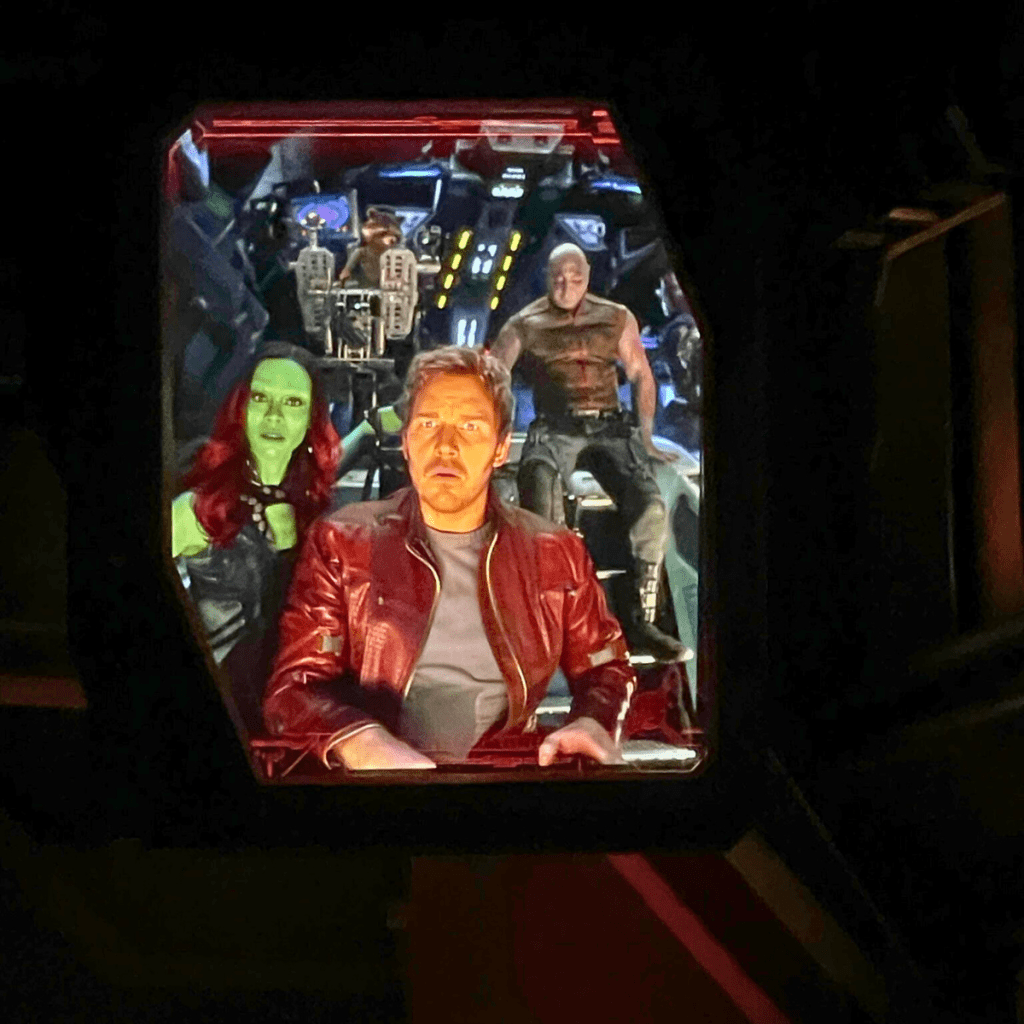
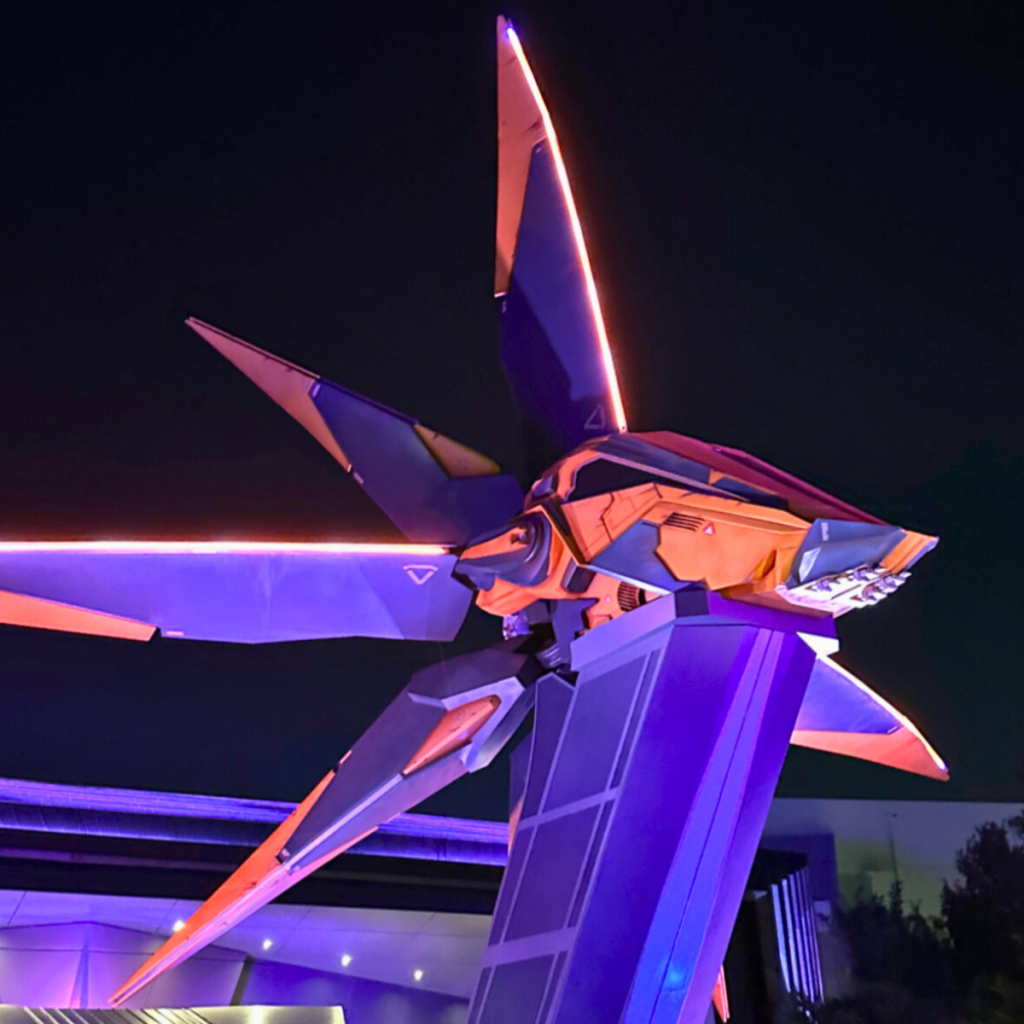
Calling all Space Rangers, Trash Pandas, and Groot fanatics! Are you ready to rock out through the cosmos with Rocket, Star-Lord, Gamora, Drax, and Mantis on the thrilling Guardians of the Galaxy: Cosmic Rewind coaster at Epcot? This innovative, reverse-launching masterpiece is more than just a ride – it’s an intergalactic adventure that’ll have you screaming with laughter (and maybe a little fear) as you hurtle through space on a galactic chase with the best soundtrack!
Updated: February 2024

But before you suit up and answer the Guardians’ call, here’s your ultimate guide on how to ride Cosmic Rewind.
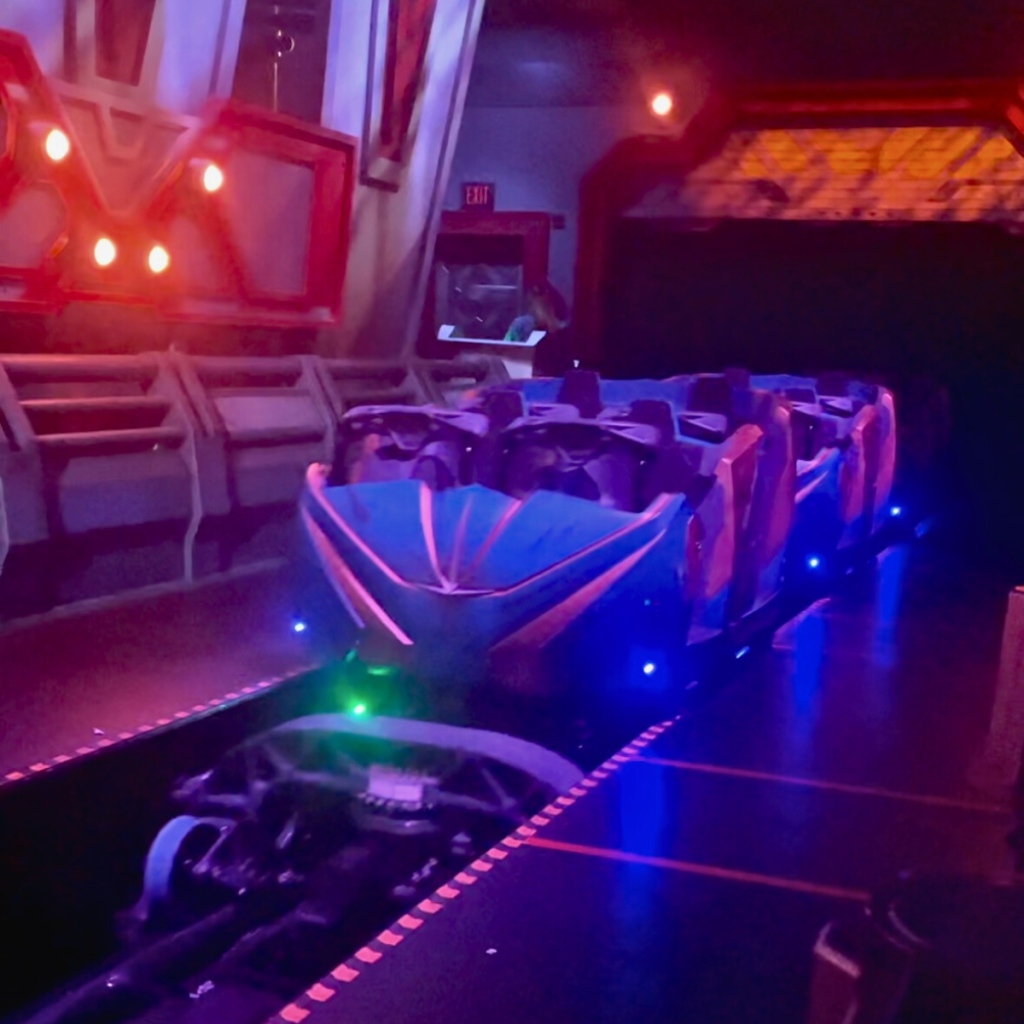
Guardians of the Galaxy: Cosmic Rewind opened with a virtual queue like so many other new rides have used. The option to purchase a Lightning Lane Single Pass entry for an additional cost is also available. This ride will not use a traditional standby line at this time.

Virtual Queue
The primary way to snag a ride on Cosmic Rewind is through the free Virtual Queue in the My Disney Experience (MDE) app.
Each guest can request to enter this virtual queue once per day during regular park hours. Before requesting to join a virtual queue, you must have valid admission to Epcot. While theme park reservations have changed for 2024, a theme park reservation may be needed for your park day depending on the type of admission you have and the date of your visit.
Be sure everyone in your travel party is linked and sharing plans through your Friends & Family list.
At 7:00 AM on the day of your Epcot park day, you will be able to check for an available boarding group inside the My Disney Experience app and request access to the virtual queue. This can be done from your hotel room or while you are traveling to the park.
You will have a second opportunity to join the virtual queue at 1:00 PM if you were not able to get a boarding group earlier. The difference with this time slot is that guests must be in Epcot to access this opportunity.
This option does not require an additional purchase.

Virtual Queue During Extended Evening Hours
If you are staying at a Disney Deluxe Resort, Disney Deluxe Villa Resort, Walt Disney World Swan and Dolphin and Swan Reserve, or Shades of Green will have an extra opportunity to join the virtual queue at 6:00 PM on select dates during the special extended evening park hours. Check out the available dates if you’re staying at one of these resorts!
You will not need to be in Epcot to request to join at that time, but you will need valid theme park admission.
Just as above, there is no additional cost to enter the virtual queue.
You can see which boarding group is currently being called by either checking the app or finding one of the digital tip boards in the park.

Tips to Join the Virtual Queue
- Be Ready Ahead of Time: Make sure you know how to navigate the My Disney Experience app ahead of time. Everyone in your travel party should be linked along with your park admission and park reservations, if needed. Sign on to the app before the distribution time and then refresh exactly when it opens. Spots will go quickly, likely within seconds!
- Check Availability: Log in to the My Disney Experience app at one of the distribution times. Select “Virtual Queues” on the home screen to view the current status and next steps for joining a virtual queue. The app will indicate when there is no availability for a specific distribution time, or if a backup group is available.
- Enroll Your Group: As long as your Disney account is linked to your group’s park tickets, and everyone has valid admission and park reservations for the park you will visit, you can enroll everyone in the virtual queue at the same time, based on availability.
- Enjoy the Experience: If your boarding group is called to return, you’ll receive a notification via the My Disney Experience app. You can head over to the attraction and scan in.
- Set an Alarm: I recommend setting an alarm a few minutes before the Virtual Queue opens, especially for the 1:00 PM and 6:00 PM options, so you don’t miss your chance to join.

Purchase Lightning Lane Single Pass Entry
Want to guarantee your ride? Purchase a Lightning Lane Single Pass through the MDE app. This skips the virtual queue and grants you a specific return time, but comes at an extra cost.
You also have the option to purchase a Lightning Lane Single Pass in the My Disney Experience app. Just like the boarding groups, this option is limited and subject to availability. You will still have to have valid admission for Epcot.
There is an additional cost for this one. The price varies based on date, so it will not be the same every day. You do not need to purchase Lightning Lane Multi Pass to be able to purchase a Lightning Lane Single Pass.
Guests staying on Disney property will be able to purchase this option in the app 7 days before check in at 7:00 AM. If you are staying off-property, you will not be able to purchase the Lightning Lane Single Pass until 3 days prior. The times typically go very quickly, so have everything linked in your app and know how to navigate it ahead of time.
Things to Note About How to Ride Cosmic Rewind
- Joining the virtual queue does not guarantee the ability to participate in the experience.
- In order to give as many guests as possible the opportunity to join the queue, each guest can enter the virtual queue for a given experience no more than once per day, subject to availability.
- Boarding groups for a virtual queue are limited, subject to availability, and are not guaranteed. Not all boarding groups may be called to return, based on the availability of the experience.

Guardians of the Galaxy: Cosmic Rewind Song Options
Each ride vehicle blasts off to a different classic tune from the iconic “Awesome Mix” of the Guardians of the Galaxy films. Feel the pulse of “Everybody Wants to Rule the World” by Tears for Fears, unleash your inner dancing queen with “Conga” by Gloria Estefan, or belt out the emotional anthem “I Ran (So Far Away)” by A Flock of Seagulls. Get down with the funky grooves of “Disco Inferno” by The Trammps, sing along to the empowering “One Way or Another” by Blondie, and groove to the infectious energy of “September” by Earth, Wind & Fire. No matter your musical preference, there’s a Guardians hit waiting to fuel your interstellar escape, leaving you humming along long after the ride ends!
Guardians of the Galaxy: Cosmic Rewind FAQs
- Once my boarding group is called, how long do I have to ride Guardians of the Galaxy: Cosmic Rewind? You will have one hour from the time you receive the notification that your group has been called. Make sure you have your notifications turned on!
- What is the height requirement? Guests must be 42″ tall to ride.
- Is there a ride photo? Yes, you can have your attraction photo linked to your My Disney Experience account by using Bluetooth or your Magic Band.
- Can Rider Switch be used? Yes! You can find all of the details here.
- Can I use DAS for this ride? Right now, guests who qualify to use DAS will still need to join the virtual queue for Guardians of the Galaxy: Cosmic Rewind. A DAS return time will not be distributed like it as for rides that have a regular standby line. You can find out more about DAS here.
- Will I get motion sickness? This is definitely a thrill ride! If you are prone to motion sickness, you might want to sit this one out.
- Does Guardians of the Galaxy: Cosmic Rewind go upside down? No, it does not go upside down.
- Can I ride more than once on the same day? If you can grab a boarding group from the Virtual Queue and purchase a Lightning Lane Single Pass, then yes!

Do you feel like you’re ready for your adventure through the galaxy? If you have questions about how to ride Cosmic Rewind, leave them in the comments. I hope this was helpful!


Jess
I didn’t know that some resorts/hotels had access to rides in preview like that! This blog post is so detailed, thank you. Everything I needed to know is here. 👏